
Wedding photo sharing app
The wedding photo app your guests never have to download.
pic.live is a wedding photo sharing app that runs in your guests’ phone browsers. They scan a QR code, type a first name, and share their photos and short videos. There’s nothing to install and no account to make, so your grandmother can use it as easily as your college roommate. Every photo lands in one collection that’s yours to keep.
What couples look for in a wedding photo app
No app for guests
Most wedding photo apps ask every guest to download something and sign up. Half of them won’t. pic.live works from the phone camera and the web browser, on iPhone and Android.
Every photo in one place
No more chasing photos across group chats, texts and social posts. Everything your guests share goes straight into your wedding’s collection.
A live photo wall at the reception
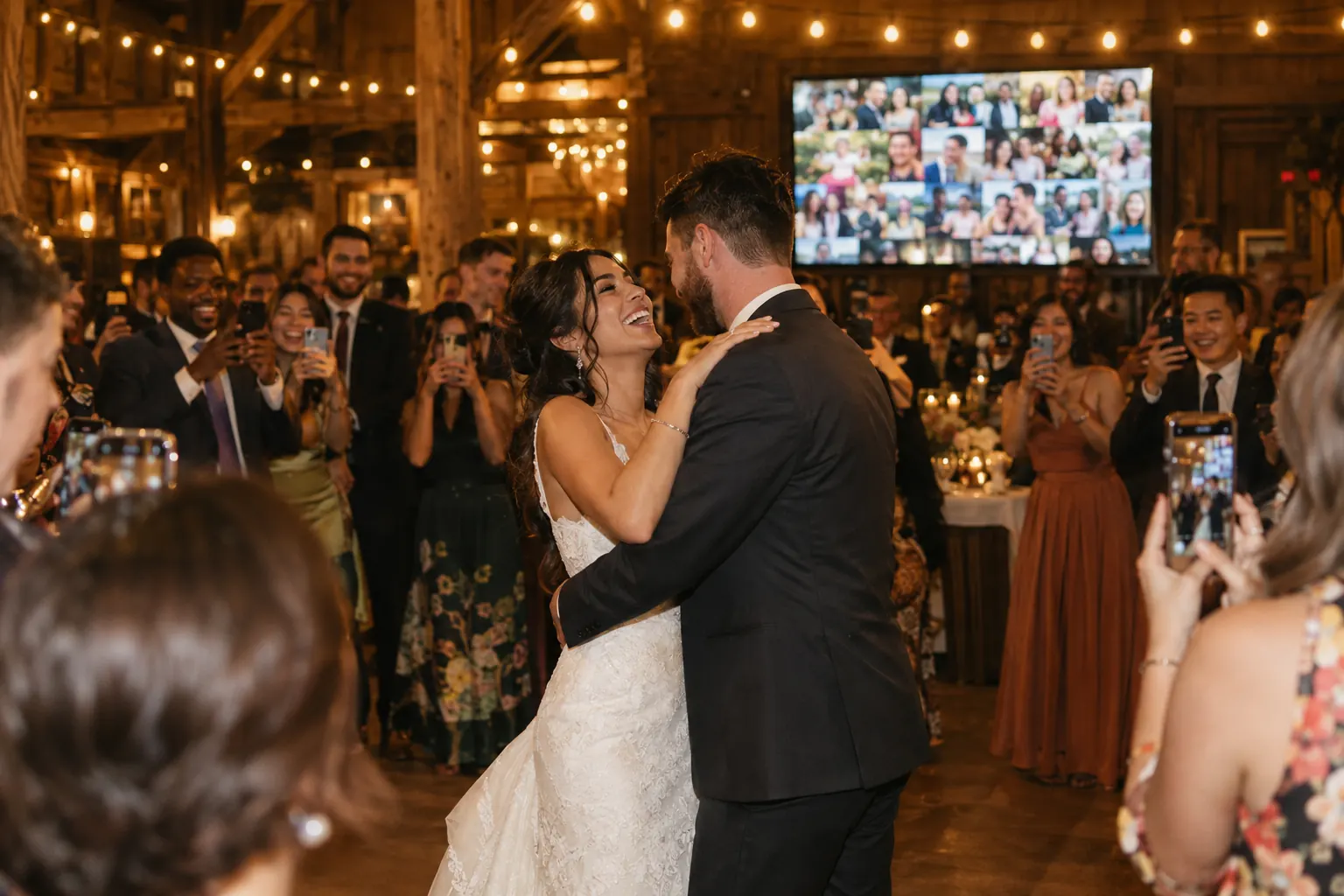
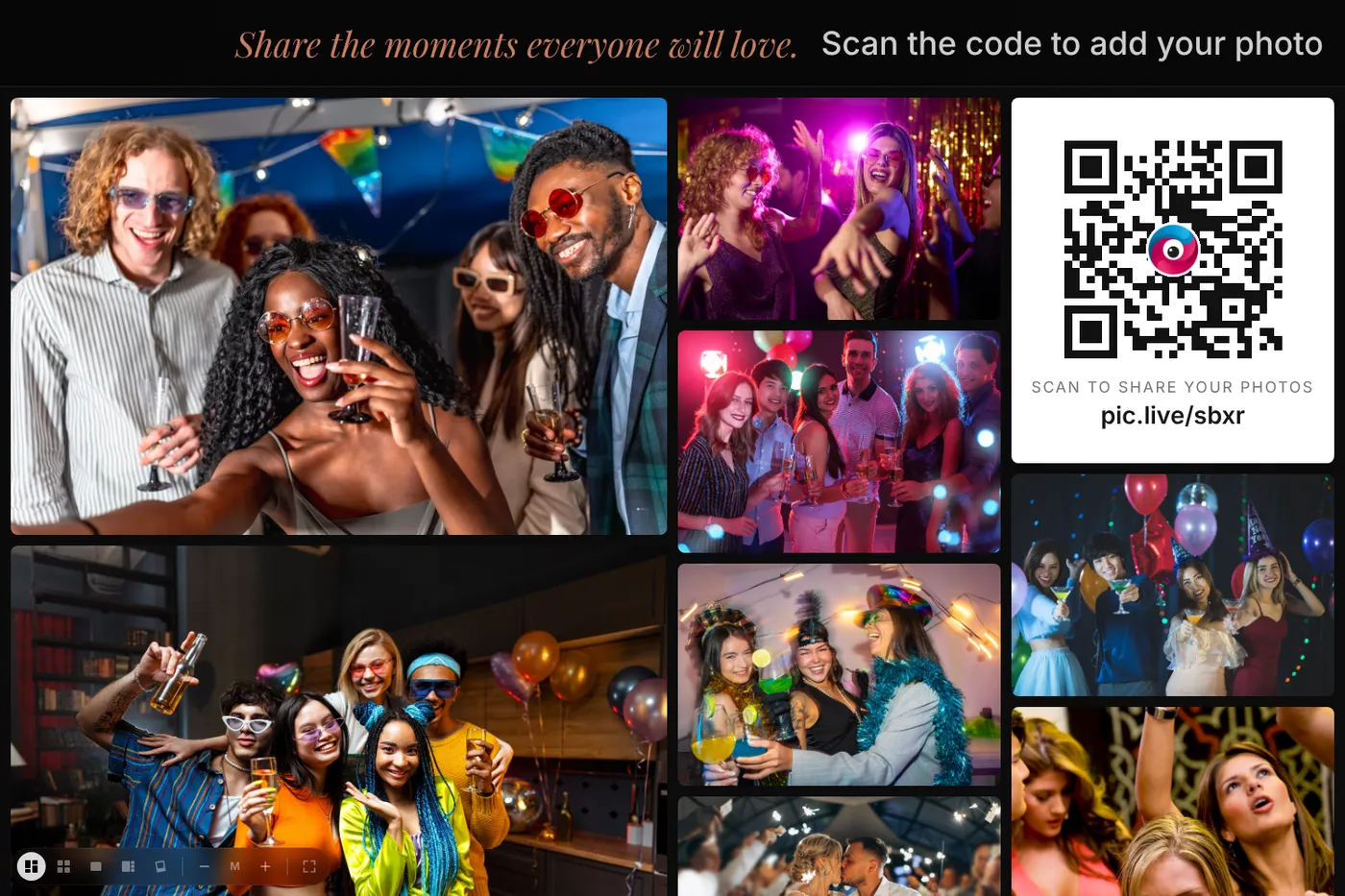
Put the wall on a TV or projector, and guests’ photos appear within seconds. Choose a moving montage, a grid, a slideshow, Spotlight or Polaroid.
You decide what shows
Every photo is checked automatically before it appears. You can also approve each photo yourself, and remove any photo at any time.
Download it all
After the wedding, download every photo and video as one .zip file, in high quality. Paid plans give you 1 year to download (30 days on Free).
Prints and keepsakes
You and your guests can order prints, canvases, framed photos and photo books of your favorite shots, right from pic.live (shipped in the US).
Why guests actually use it
Ten seconds to share
Scan the code, type a name, pick photos. Guests are back on the dance floor before they lose interest.
Their own language
The upload page opens in each guest’s language (ten languages, picked from their phone), so family from abroad can join in.
They see it happen
When guests watch their photo pop up on the wall, they go take more. That’s how you end up with hundreds of candids.
How it works
Three steps for your guests. That’s all.
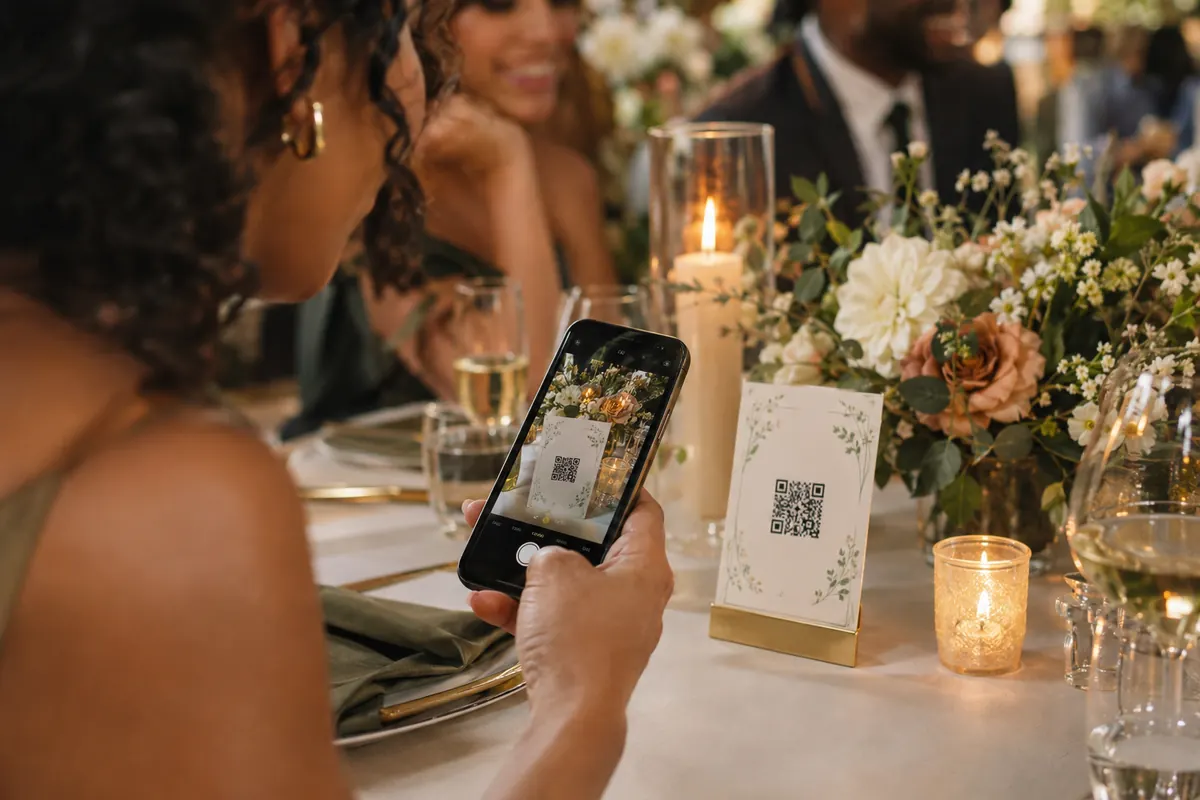
Guests scan the QR code
Put pic.live’s QR code on tables, signs, or your invitation. Guests point their phone camera at it — nothing to download, no account to create.
They share their photos
They type their first name and choose photos from their phone, iPhone or Android. Each photo is checked automatically before it appears.
Everyone watches it come together
Photos appear on a live photo wall, on as many TVs, projectors and screens as you like. After the party, you download the whole collection.
Built for the whole day, not just the reception
Put the QR code on your wedding website so guests can share engagement and shower photos ahead of time. On the day, put it on the welcome sign, every table and the bar. The next morning, guests can still add the photos they forgot. It all ends up in the same place.
How to set it up
- Start free for up to 40 guests, or buy the size that fits your guest list. It’s a one-time price, with no subscription.
- Add your names, colors and a photo or monogram, so the upload page feels like part of your wedding.
- Print the QR cards for your tables, and add the code or your short pic.live link to your wedding website.
- Choose whether photos appear after the automatic check, or only after you approve them.
- After the wedding, download everything as one .zip file and share your favorites.
Which size do I need?
Choose by your guest count: Free for up to 40 guests, Small for up to 100, Medium for up to 250, Large for up to 500, or Unlimited.
Free covers up to 40 guests and 500 photos, with no card needed. Small is $49 for up to 100 guests, Medium is $79 for up to 250, Large is $129 for up to 500, and Unlimited is $399. One-time price, no subscription.
Compare sizesQuestions about our wedding photo sharing app
Do our guests need to download an app?
No. Guests scan the QR code with their phone camera, and the upload page opens in their web browser. There’s no app to install and no account to create.
Is there a free wedding photo sharing app?
Yes. pic.live is free for up to 40 guests and 500 photos, with no card needed and no watermark. A short pic.live ad shows on the photo wall every 5 minutes, and any paid plan removes it.
Can guests share videos too?
Yes. On every paid plan, guests can share short videos up to 30 seconds along with their photos.
Will the photos be good quality?
Yes. Photos are saved in high quality, up to 4096 pixels on the long side, which is plenty for large prints. Location data is removed from every photo to protect your guests’ privacy.
How is this different from a shared phone album?
Shared albums only work if every guest has the right phone and the right account. pic.live works on any phone with a camera, puts everything in one place you control, and adds a live photo wall.
Can we try it before the wedding?
Yes. Open our live demo at pic.live/demo, scan the QR code with your phone, and watch your photo appear on the wall.

Give every guest a way to share.
Set up in minutes. Guests share from the moment they arrive. You keep every photo.