
QR code for wedding photos
A QR code that gathers every guest’s wedding photos.
pic.live gives your wedding its own QR code. Guests point their phone camera at it, and a simple upload page opens with your names on it. They type a first name and choose photos, and every picture lands in one album that you keep. It’s the easiest way to collect wedding photos from guests, because there’s no app and no account.
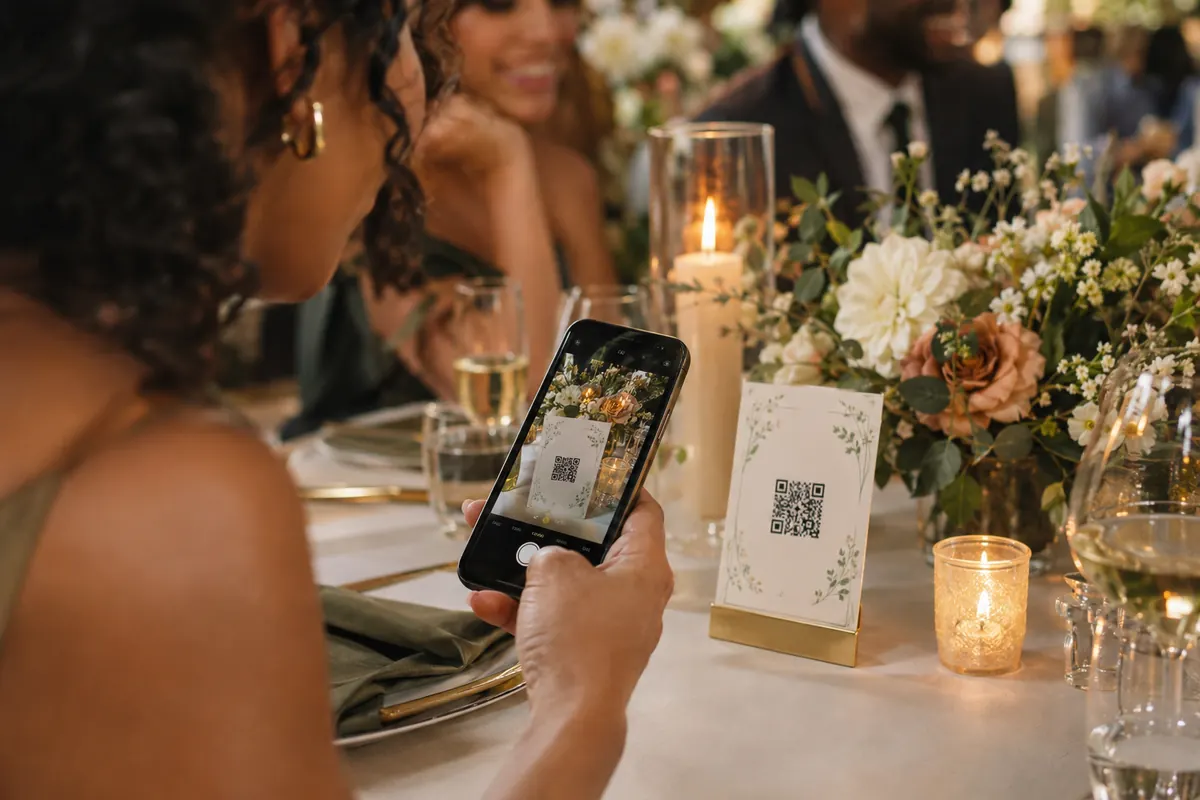
Where to put your wedding photo QR code
Before the day
On your wedding website and save-the-date email, so guests can share engagement party and shower photos early.
At the ceremony and reception
On the welcome sign, every table card, the bar, the guest book table and the photo wall itself.
After the wedding
In your thank-you message, so guests can send the photos they forgot. The code keeps working while your event is on.
How it works
Three steps for your guests. That’s all.
Guests scan the QR code
Put pic.live’s QR code on tables, signs, or your invitation. Guests point their phone camera at it — nothing to download, no account to create.
They share their photos
They type their first name and choose photos from their phone, iPhone or Android. Each photo is checked automatically before it appears.
Everyone watches it come together
Photos appear on a live photo wall, on as many TVs, projectors and screens as you like. After the party, you download the whole collection.
Your QR code, designed to match your wedding
pic.live makes printable QR signs and table cards with your names and colors, plus a QR code image you can drop into your stationery, your wedding website or a Canva design. There’s also a short pic.live link for anywhere a code won’t fit, like a text message.
How to make your wedding photo QR code
- Start free for up to 40 guests, or buy the size that fits your guest list. Claim your account from the email we send.
- Add your names, date and colors. Your QR code is ready right away.
- Download the printable sign and table cards, or the QR code image for your own designs.
- Test it: scan the code with your own phone and share a photo before you print.
- After the wedding, download every photo as one .zip file. You’ll have 1 year (30 days on Free) to download them.
Which size do I need?
Choose by your guest count: Free for up to 40 guests, Small for up to 100, Medium for up to 250, Large for up to 500, or Unlimited.
Free covers up to 40 guests and 500 photos, with no card needed. Small is $49 for up to 100 guests, Medium is $79 for up to 250, Large is $129 for up to 500, and Unlimited is $399. One-time price, no subscription.
Compare sizesQuestions about wedding photo QR codes
How do guests upload wedding photos with a QR code?
They open the camera on their phone, point it at the code, and tap the link that appears. The upload page opens in their web browser, where they type a first name and choose photos. It works on iPhone and Android.
Can I make a free QR code for wedding photos?
Yes. pic.live is free for up to 40 guests and 500 photos, with no card needed. Bigger weddings start at $49 for up to 100 guests, one time.
Where do the photos go?
Into your private wedding collection in pic.live. You can watch them arrive live, show them on a photo wall, and download them all as one .zip file.
Can I put the QR code in my own design?
Yes. Download the QR code as an image and add it to your invitations, table numbers, signs or wedding website. Or print the ready-made sign pic.live makes for you.
Can people outside the wedding find our photos?
No. Only people with your QR code or link can share, and your album isn’t listed anywhere. You can also approve every photo before it appears.
Does the QR code expire?
Your code works while your event is switched on. Paid plans keep your photos for 1 year so you have plenty of time to download them.
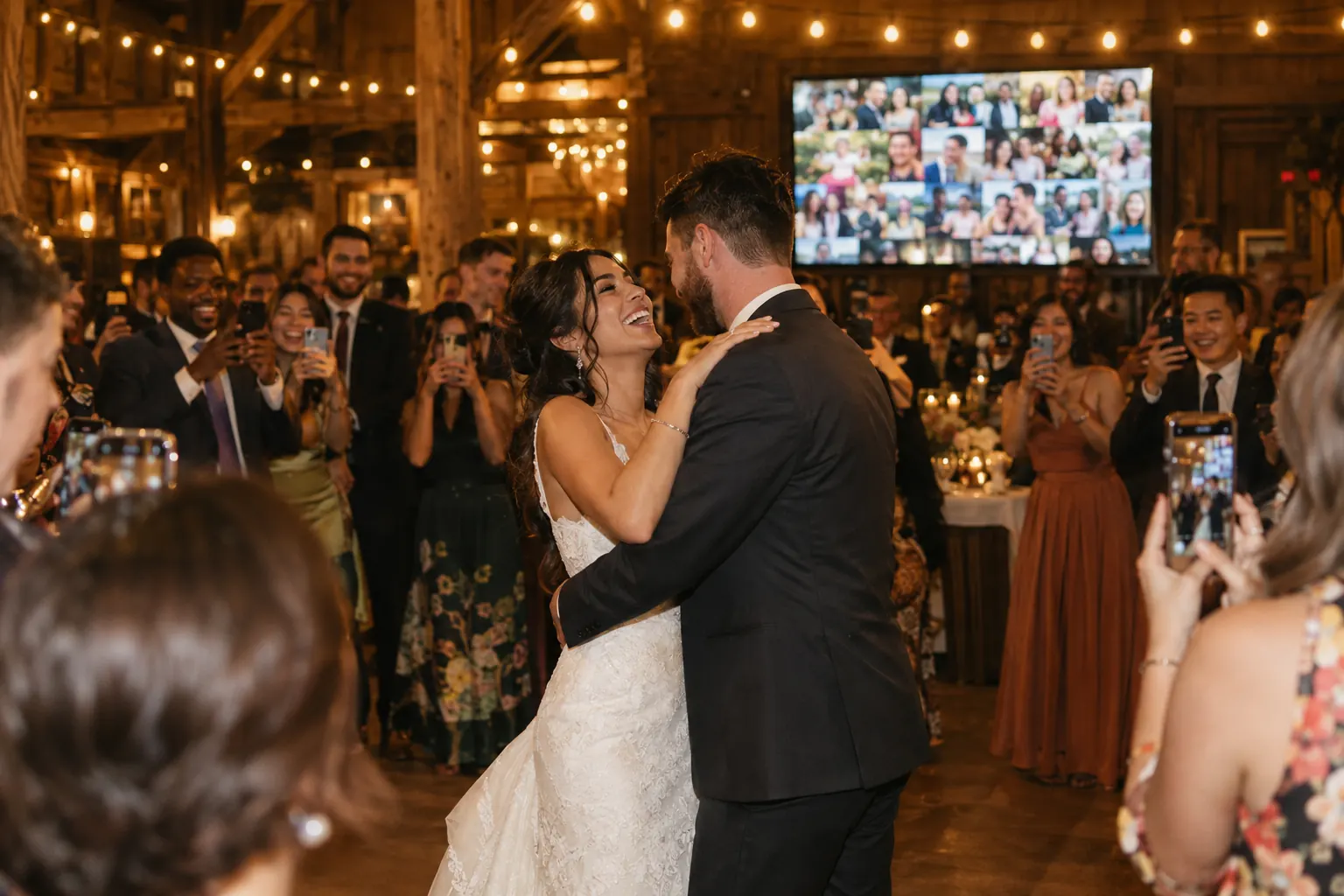

Give every guest a way to share.
Set up in minutes. Guests share from the moment they arrive. You keep every photo.