
How it works From “buy” to “best night ever” in a few minutes.
pic.live is a QR code photo sharing service built for people planning a celebration, not tech experts. Here’s everything that happens — for you, and for your guests.
How do you set up your event?
Choose your plan
Start free for up to 40 guests with no card, or pick Small, Medium, Large or Unlimited based on your guest list and check out securely. No subscription — it’s a one-time price.
Set up your event
We email you a link to claim your account. Name your event, add a photo or monogram and your colors, and choose how photos are screened.
Share the QR code
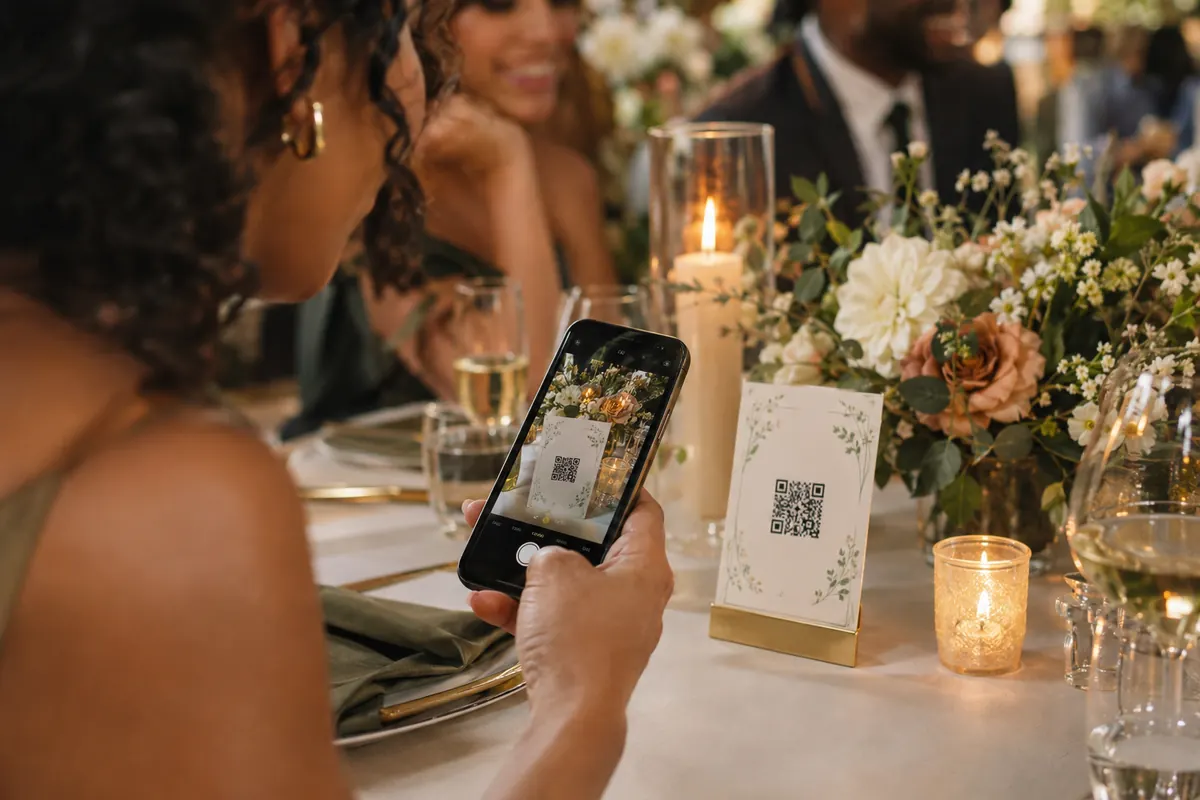
Download and print the QR card for tables and signs, or add the link to your invitation and wedding website. When you’re ready, switch your event on.
How do guests share photos?
- Scan. They point their phone camera at the QR code. A simple page opens in their browser — no app to download.
- Say hello. They type their first name. (You can also choose to ask for a phone number and send a quick text-message code to keep things spam-free.)
- Share. They choose photos from their phone, add a caption if they like, and tap send. iPhone and Android photos both work.
- Watch. Their photos appear on the live wall moments later — and they’ll keep sharing all night.
What happens during the party?
The live photo wall
Open your wall link on a smart TV, a laptop connected to a TV, or a projector. Choose a moving mosaic, a grid, or a full-screen slideshow. On paid plans, guests’ short videos play right on the wall, with the sound off.
Automatic photo screening
Every photo is checked automatically for inappropriate content before it appears. Anything questionable is held for you to review.
Approve photos yourself, if you like
Prefer full control? Switch on “review all” and nothing appears on the wall until you approve it from your phone.
One-tap removal
Change your mind about a photo? Remove it from the wall with one tap.
How do you get the photos afterward?
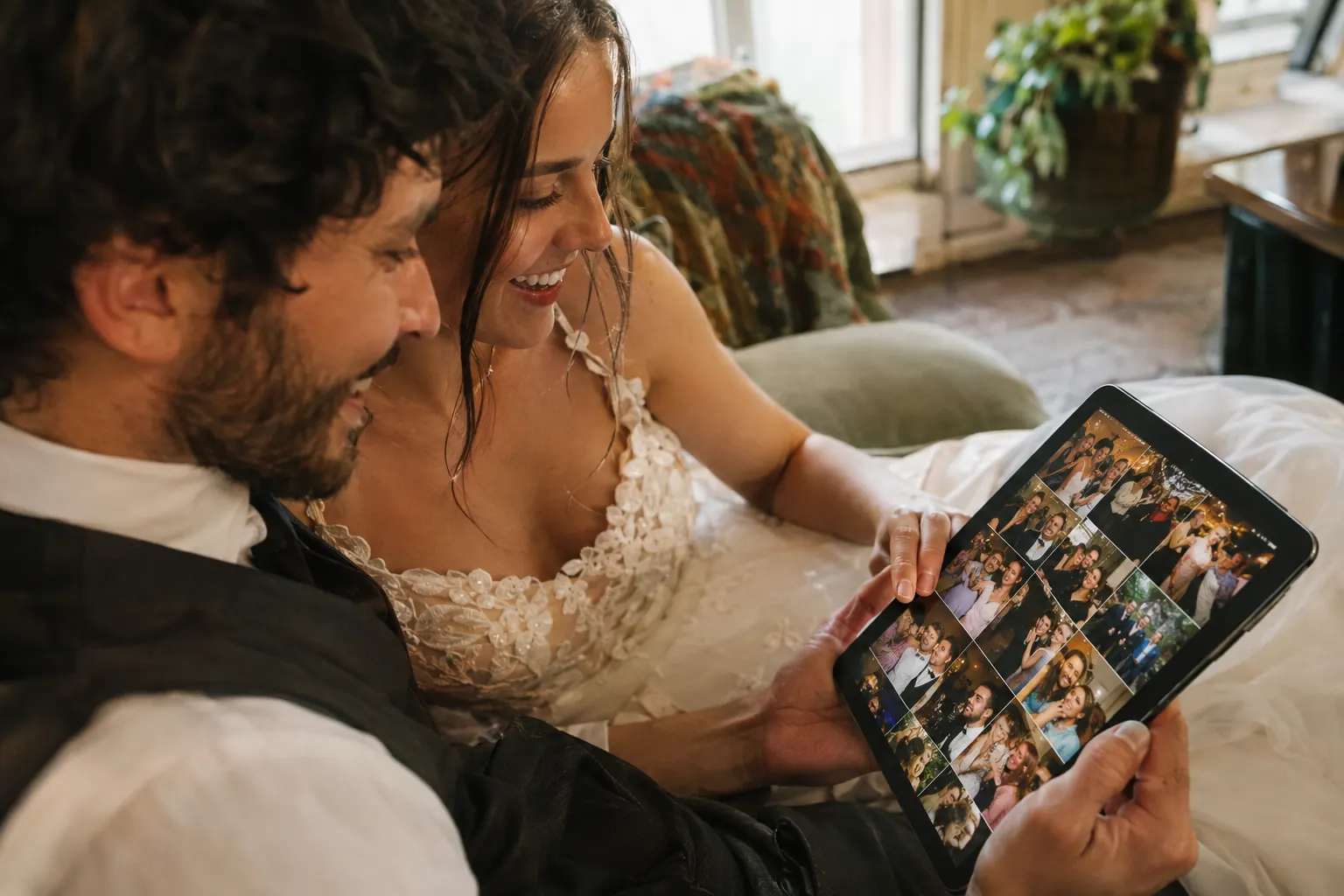
Download every photo in high resolution as a single .zip file. Make an album, order prints, or share the collection with your family.
Photos are available for 1 year after your event ends (30 days on Free). After that, they’re scheduled for deletion from our servers, so download your collection before then.
What do you need to run pic.live?
You need three things, and you probably have all of them already.
- A pic.live event. Free covers up to 40 guests and 500 photos with no card. Paid sizes start at $49 for up to 100 guests, as a one-time price.
- Guests with phones. Any iPhone or Android phone with a camera works. Guests scan the QR code with the camera app they already have, and the upload page opens in their browser.
- A screen, if you want the live wall. A smart TV, a projector, or a laptop plugged into a TV. The screen only needs a web browser and an internet connection.
Nothing else is required. There is no app for you or your guests to install, no account for guests to create, and no special equipment to rent. If the venue’s Wi-Fi is weak, guests can share over their phone’s mobile data instead.
Common questions
How long does setup take?
Setup takes just a few minutes. After checkout we email you a link to claim your account. Name your event, add a photo or monogram and your colors, and download your QR card.
Where should I put the QR code?
Anywhere guests will see it: table cards, the welcome sign, the bar, the guest book, and your invitation or wedding website. The more places, the more photos you’ll collect.
What do I need for the photo wall?
Any screen with a web browser and an internet connection — a smart TV, a laptop plugged into a TV or projector, or the venue’s screen. Wi-Fi or a good cell signal at the venue helps photos upload quickly.
Can I make the upload page match my event?
Yes. Add your event name, a photo or logo, a background image, and your accent color. You can also choose how the QR card looks.
Can guests add captions?
Yes. Guests can add a short caption when they share a photo.
What photo types are supported?
Photos from iPhone and Android, including JPEG, PNG, HEIC, and WebP.
Can guests share videos?
Yes, on every paid plan. Guests can share videos from their phone up to 30 seconds long (50 MB). Videos play with the sound off on the wall and get the same safety check as photos. Videos are on by default, and you can switch them off in your event settings. The Free plan is photos only.
Can more than one person help manage the photos?
Yes. You can invite other people to your event’s team so they can help review photos during the party.
Ready when you are.
Set up in minutes. Guests share from the moment they arrive. You keep every photo.